Old newspaper archives: search methods for historical editions
The infrastructure behind historical newspaper research has changed again. Since the Library of Congress upgraded Chronicling America in August 2025 and moved the former U.S.
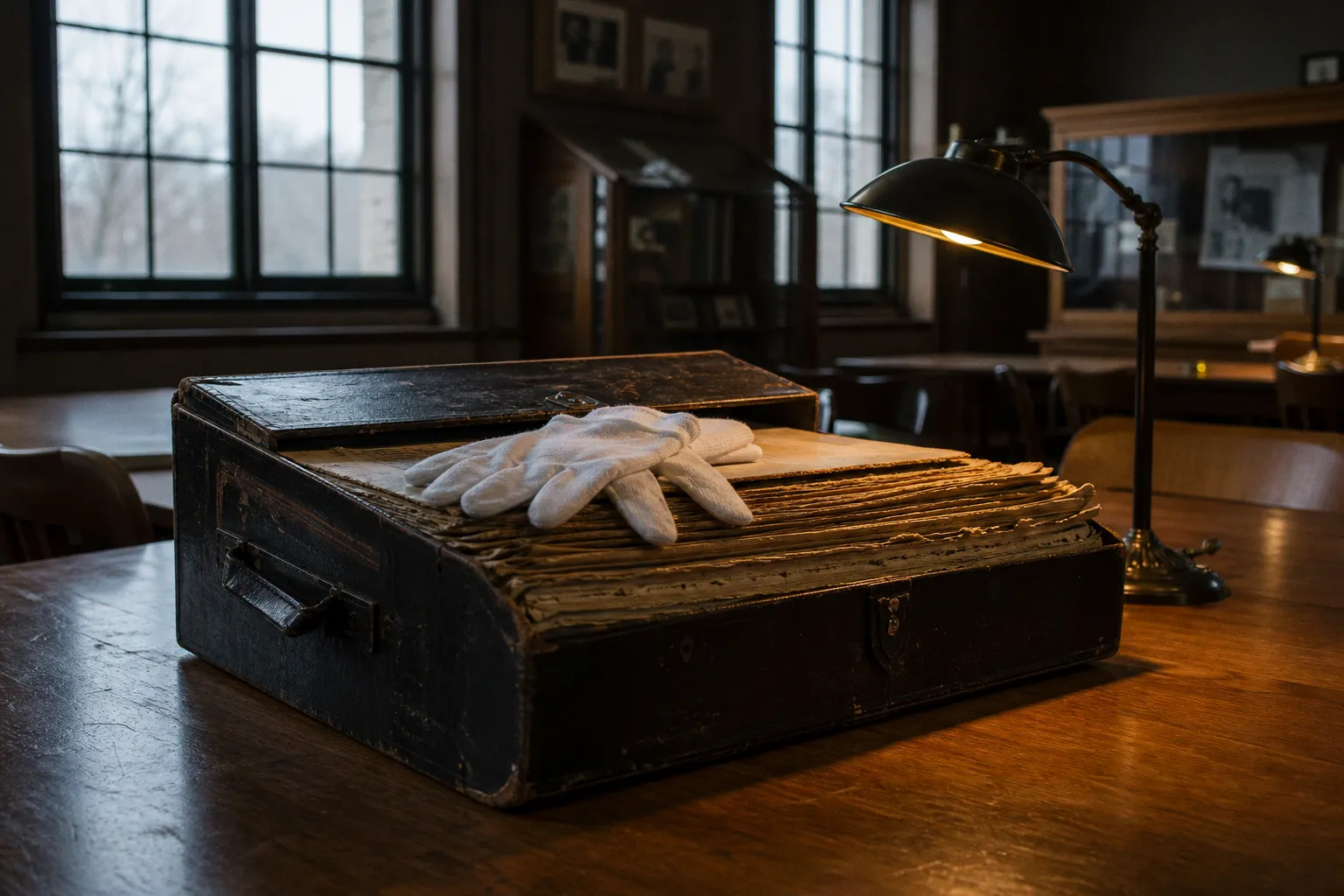
newspaper directory into a separate searchable collection, researchers now have two systems to manage instead of one assumed “newspaper archive.” That distinction is not cosmetic. It determines whether a search returns a scanned page, an issue-level OCR hit, or merely evidence that a title once existed and a library may hold it.
Old newspaper archives are often approached as if they were a complete, searchable PDF shelf. They are not. They are a patchwork of digitized page images, OCR text layers, catalog records, microfilm holdings, title changes, regional projects, and legacy links that may now redirect elsewhere.
The productive approach is operational: identify the publication, establish its publishing history, determine which institution holds which run, then search the digitized material with enough flexibility to survive century-old typography and unreliable OCR.
A failed keyword search is a retrieval problem first. It is not proof that the newspaper never printed the item.
Start with the right Library of Congress collection
For U.S. historical editions, the Library of Congress ecosystem has two jobs split across two tools.
Chronicling America is the digitized-page collection. It provides access to millions of historical U.S. newspaper pages, with stated coverage for titles and pages spanning 1777 through 1963. The collection is assembled through the National Digital Newspaper Program, a Library of Congress and National Endowment for the Humanities partnership. This is the operational layer for reading scanned pages and running OCR-based historical newspaper searches.
The Directory of U.S. Newspapers in American Libraries is a title-and-holdings directory. It indexes newspapers published in the United States from 1690 onward and helps establish three critical facts:
- What a paper was called during a specific period.
- Whether the publication changed title, merged, relocated, or split into regional editions.
- Which libraries or archives report holdings for that title.
The directory does not mean the title is digitized. It also does not mean the Library of Congress physically holds every listed newspaper. Its records are based primarily on library catalog data created by state institutions during the United States Newspaper Program, active from 1982 to 2011.
That is the first structural correction to make in any genealogy news research project: title discovery and page access are separate workflows.
| Research question | Best starting point | What it can establish |
|---|---|---|
| “Did a newspaper serve this town in 1894?” | Newspaper directory | Title, place, publication dates, possible holdings |
| “What was the paper called before 1910?” | Newspaper directory | Earlier and later title relationships |
| “Did this name appear in the paper?” | Chronicling America page search | OCR matches on digitized pages |
| “Can I read the June 3, 1908 issue?” | Chronicling America title/date browse | Whether that issue is digitized and viewable |
| “Where is the missing run?” | Directory holdings plus state archives | Libraries, archives, microfilm leads |
The distinction matters because publishers were messy operators. A county weekly might publish under one title for six years, sell to a neighboring town, relaunch under another name, and carry a different masthead for an edition aimed at a particular language or ethnic community. Search only the modernized title and the archive can look empty even when the pages exist.
Build the title record before running OCR searches
The fastest historical newspaper search is rarely the first box you type into. It starts with a compact title record: a working set of publication facts that keeps the search from drifting across similarly named newspapers.
For each target publication, establish:
1. The exact place of publication. County and city labels are not interchangeable. A newspaper may be indexed under its formal city even when it served a wider regional market.
2. The date window. Do not begin with “around 1900” if a death, election, land sale, court action, or business opening can narrow the period. A six-week range changes the economics of manual page review.
3. Known and probable titles. Include prior titles, successor titles, abbreviated mastheads, and spelling variants. “Herald,” “Weekly Herald,” and “County Herald” can be different records, not loose versions of one object.
4. Edition characteristics. Language, ethnicity, political affiliation, and publication frequency can all affect where a title appears in a digitized press archive.
5. Holding institution. If an issue is absent online, the directory’s holding data becomes the route to a state archive, public library, university special collection, or microfilm request process.
This is not bureaucratic setup. It is search design. Historical newspapers were produced as local publishing operations, then preserved through a separate chain of libraries, state projects, microfilm vendors, and digitization programs. Their metadata reflects those handoffs.
A title may have a clean catalog record but no digitized pages. Another title may be fully browsable for a narrow run yet have no surviving issues for the exact month needed. Treat each run as a coverage question, not a binary “available/not available” decision.
Use Chronicling America search modes deliberately
Chronicling America offers more than one search behavior, and researchers lose time when they assume every result is a page-level keyword hit.
The core modes serve different purposes:
- Titles searches newspaper titles, not the text printed inside pages. Use it to locate publications and validate title histories.
- Issues searches full text but presents results at the issue level. This is useful when the relevant item may appear more than once, or when you need to inspect an entire edition.
- Pages (Full Text) returns page-level matches and highlights the search terms. This is usually the most efficient mode for a specific name, street, organization, or event.
Then narrow the corpus before refining the phrase. The available filters can limit results by state or province, county, city, title, date, ethnicity, language, and front-page status. Result facets can further narrow title, date, location, subject, language, and page.
A sensible sequence looks like this:
1. Filter to the state and, where possible, the city or county.
2. Add the newspaper title once it has been confirmed.
3. Set a practical date range.
4. Search the surname, business name, address, or distinctive event term.
5. Move from exact phrases to flexible variants when OCR produces weak results.
6. Open the page image and inspect the surrounding columns rather than trusting highlighted text alone.
For researchers accessing vintage newspapers, the date filter is usually more valuable than the first keyword trick. Newspaper OCR is noisy; a tight time range reduces the number of bad matches and makes manual verification viable.
Search names as damaged data
Historical OCR is generated from scanned page images. It is not a transcription. On dense multi-column pages, the system may confuse characters, concatenate adjacent articles, drop punctuation, or read a decorative headline as nonsense. Small fonts, unusual type styles, page damage, ink bleed, stamps, handwritten marks, and microfilm artifacts all degrade extraction.
The Library of Congress specifically recommends proximity searching for names: search terms within five or ten words rather than relying solely on an exact phrase. That method is useful because an obituary, legal notice, or society column may place a first name, middle initial, surname, location, and honorific in inconsistent order.
Try a search ladder rather than repeating the same failed query:
1. Search the surname alone within a tightly filtered title and date range.
2. Search the surname plus a location or business term within five or ten words.
3. Remove punctuation and initials. “J. R. Wilson” may not survive OCR as a stable string.
4. Test likely misread characters. Names with rn, m, l, I, O, and 0 are frequent casualties.
5. Use known misspellings. Census records, city directories, and family documents often expose variants that the newspaper itself used.
6. Search the event vocabulary. “Probate,” “administrator,” “inquest,” “married,” “injured,” “auction,” or a street name can locate an article whose personal name OCR missed.
7. Browse the issue manually. For a confirmed date, this is often cheaper than trying to force a perfect query from imperfect text.
OCR is an index layer laid over a scanned page. The page image remains the record.
This approach also prevents a common genealogy research error: treating the OCR transcript as quotation-ready text. If the language matters, read the original page image, including the column boundary and adjacent lines. Automated text can silently move words between articles or turn a surname into a plausible but incorrect alternative.
Know what the scan can—and cannot—prove
Digitized press archives are shaped by preservation workflows. That technical history explains why some pages look crisp enough for detailed reading while others are difficult even at high zoom.
The 2018 technical guidelines for the National Digital Newspaper Program specified scanning from clean, second-generation duplicate silver-negative microfilm. The capture standard called for 8-bit grayscale at 300–400 dpi relative to the physical newspaper and required uncompressed TIFF 6.0 master page images.
Those specifications matter for interpretation, but they should not be mistaken for a universal rule covering every archive or every publisher repository. They describe an NDNP preservation workflow. Other collections may originate from original papers, microfilm, vendor scans, local projects, or older digitization batches with different quality controls.
The archive delivery layer can also differ from the preservation master. A researcher may see a web viewer with zoomable page images, OCR text, issue metadata, or downloadable derivative files. That does not make every historical issue a replica PDF edition. In fact, many archival systems are optimized for page retrieval and metadata rather than for delivering a neatly packaged issue PDF.
For practical research, inspect three things:
- Image legibility: Can you distinguish the relevant characters at full zoom?
- Page sequence: Is the digitized issue complete, or are pages missing, duplicated, or out of order?
- Metadata consistency: Does the issue date and title match the masthead, not just the catalog label?
The last point is especially useful around title transitions. Catalog metadata may organize a run under one publication title while the scanned masthead reflects a temporary name, an edition variation, or a merged operation. The page itself settles the question.
Diagnose missing records without inventing a coverage gap
When a search returns nothing, there are several plausible failures. Only one of them is “the article was never published.”
| Symptom | Likely operational cause | Better next move |
|---|---|---|
| No results for a known person | OCR distorted the name | Use surname variants, proximity terms, and event language |
| Title is in the directory but not the digitized collection | Holdings exist, but digitization does not | Follow the listed library or archive lead |
| Results stop before the needed year | Partial digitization run | Check title holdings and alternate repositories |
| Search finds the wrong town | Common title or place name | Apply state, city, county, and title filters |
| The issue exists but a phrase does not match | Exact-phrase OCR failure | Search fragments, nearby terms, or browse pages |
| Old bookmarked link behaves oddly | Platform migration or legacy route | Re-enter through the current collection interface |
The 2025–2026 Chronicling America migration is a real operational factor here. Legacy links redirect to the newer site, and older data access paths have changed. A broken bookmark is not evidence that a title disappeared. It may simply point to retired infrastructure.
For difficult regional newspaper editions, widen the search in controlled stages:
- Check neighboring towns, especially county seats and railway hubs. Local events often appeared in papers outside the subject’s home town.
- Search competing titles. Political, religious, ethnic, and commercial papers covered the same region differently.
- Look for weekly reprints. A short item from a daily paper might be republished in a rural weekly several days later.
- Check successor and predecessor titles around a publication change.
- Use the directory to locate un-digitized holdings, then ask the holding institution about microfilm, local scans, interlibrary access, or onsite review.
This is where digitized archives stop being a simple search product and become a research network. The scanned collection is only one layer. The title directory, library catalogs, local historical societies, and microfilm holdings fill the gaps left by selective digitization.
Do not confuse access with archival completeness
The seductive claim in digital publishing is that once material is online, it is “preserved” and “searchable.” Newspaper archives expose the weakness of that language.
Digitization creates access to a selected set of pages. Preservation requires master files, stable metadata, documented provenance, migration planning, and a usable path back to the holding institution. Searchability adds another variable: OCR quality. A page can be online and preserved while remaining practically invisible to a keyword search.
That is why library archive access still matters even in a browser-first workflow. The directory can reveal a title’s existence and reported holdings long after a commercial interface or a local website has changed its navigation. It functions less like a news app and more like the back-office index it is: a map of where the physical or filmed record may survive.
For publishers, archivists, and institutions building new digitized press archives, the lesson is blunt. A polished reader interface is the visible layer. Durable title metadata, persistent identifiers, exportable page assets, and a strategy for legacy URLs are the infrastructure. Without them, the archive remains discoverable only until the next platform migration.
The durable method for old newspaper archives
Old newspaper archives reward disciplined search behavior, not endless keyword improvisation. Establish the title history first. Separate digitized-page access from holdings discovery. Filter aggressively by place and date. Treat OCR as a fallible retrieval system. Then verify every meaningful result against the page image.
The technology will keep moving. Chronicling America’s redesigned interface and redirected legacy routes are a reminder that archive access is a living publishing workflow, not a finished database. But the underlying research logic holds: identify the edition, locate the surviving run, search for imperfect text, and keep a path back to the institution that holds the record.
That is how historical editions become usable evidence rather than a stack of search results that happened to look convincing.