E-newspaper archives: what to check before subscribing
You click on a promising headline from 1947, the page loads, and you realize you're staring at a blurry photograph of newsprint with no way to search for your grandfather's name.
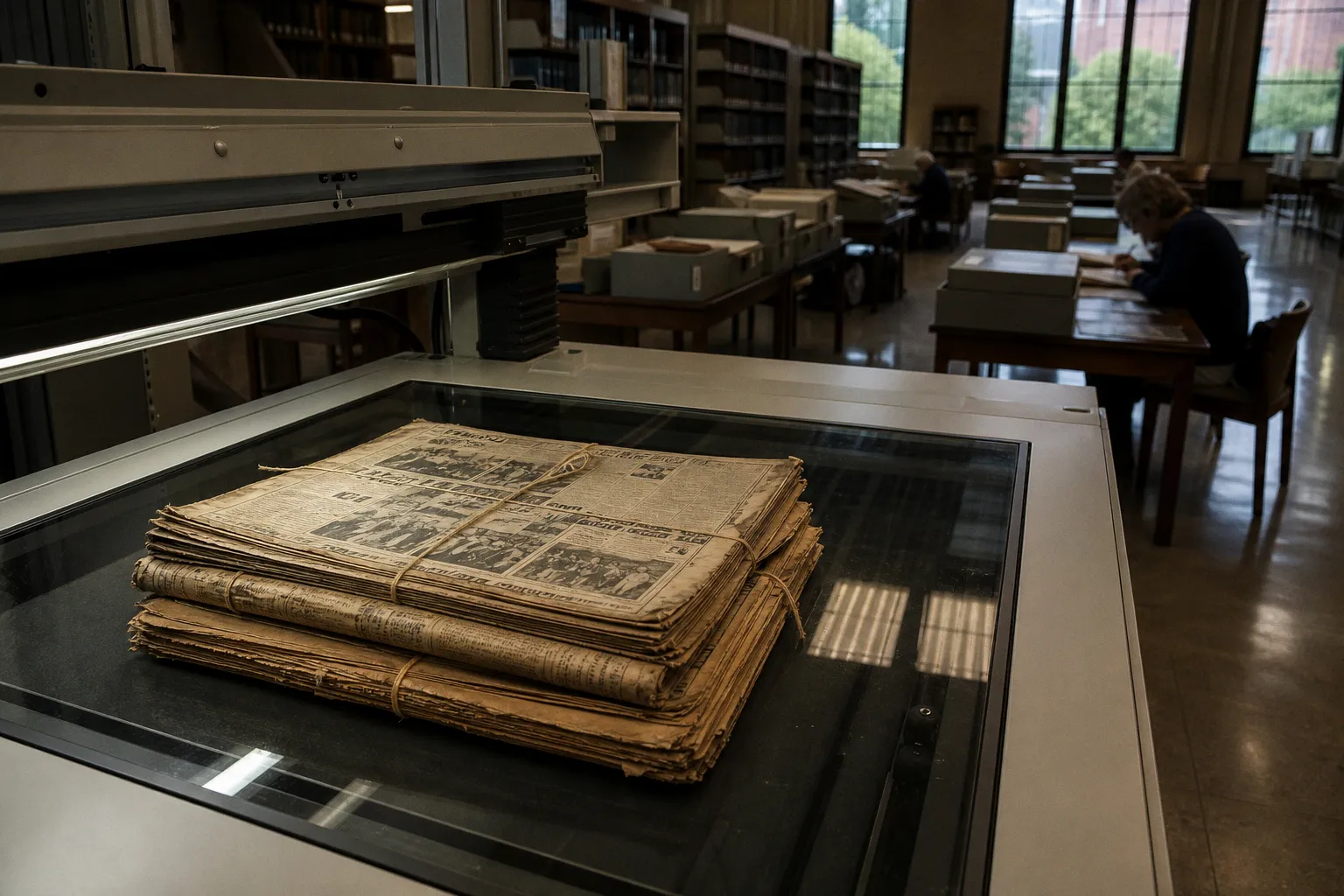
A good archive answers your question in three clicks. A bad one makes you scroll through a thousand thumbnails first.
Replica vs. searchable text: know which one you're buying
The first fork in the road is the most important one. Most e-newspaper archives fall into one of two camps, and they behave very differently.
A digital replica, often called an "e-edition," is essentially a scanned image of the print page, sometimes bundled into a PDF that mimics the physical paper. You flip through it page by page, the way you would with the actual newspaper. The layout, the photographs, the advertisements, the obituaries arranged in tidy columns — all of that survives. What's missing is search. If you want to find an article, you need to know roughly which day it ran, and then you scroll until you find it. For casual reading of yesterday's paper, this is a perfectly nice experience. For research, it can be a slog.
A searchable text database runs every page through OCR (Optical Character Recognition) software, which tries to read the words on the page and turn them into text you can search with a keyword box, the way you'd search Google. When it works well, you type "Smith" and you get every mention of Smith in the corpus, with a snippet and a date. When it works poorly, "Smith" becomes "Smitb" and you miss half the results. That gap between "the page is digitized" and "the page is actually searchable" is the single biggest source of frustration in this whole space. It's also why you should never assume that a product described as a "digital archive" is searchable. Many are simply image galleries with a fancy interface.
Some platforms give you both: a searchable index that links to a replica image of the original page. That hybrid setup is the gold standard for serious research, because you get the speed of a keyword search and the verifiability of looking at the original page. ProQuest Historical Newspapers and NewsBank are two well-known examples that work this way, though the specific titles they cover vary by subscription.
How to read the fine print on search and OCR quality
Even when an archive claims to be "fully searchable," the experience can vary wildly. A few practical checks will tell you a lot before you commit.
See if the archive lets you search by personal name, not just by topic. Many OCR engines struggle with the small print, italics, and old-fashioned typefaces used in older newspapers. If a database can find "Eleanor Roosevelt" but not "Roosevelt" alone, or if it can't pull up names from the social notices and court reports sections, the OCR coverage is thinner than advertised.
Look for filters that let you narrow by section, date range, and article type. The difference between "search 2 million pages" and "search 2 million pages between 1900 and 1920, in the front section, excluding classifieds" is enormous. Good archives expose those filters clearly. Mediocre ones hide them behind an "advanced search" link that returns ten options and an apology.
Find out whether the archive preserves images and tables. A piece of text that refers to "the figure below" is useless if the figure is stripped out. Some searchable databases pull only the article text and drop the charts, photos, and advertisements. For a researcher tracing, say, the visual history of advertising, that's a deal-breaker. For someone who just wants the words, it may be fine.
Pay attention to OCR errors in your own quick test searches. Type a name that should appear dozens of times in a well-known paper. If the results look thin, or if the snippets have garbled words, you're getting a flavor of what your real research will look like. The Library of Congress's own guidance on digitized newspapers emphasizes exactly this point: that OCR is a tool, not a magic wand, and that a useful archive always lets you fall back to the original scanned image when the text fails you.
Your library card might be the best subscription you own
Here's a piece of genuinely good news for cost-conscious readers and researchers: a lot of the best e-newspaper archives in the world are not sold to individuals at all. They're sold to libraries, and your local public library may already have a subscription you can tap into with nothing more than a library card and a login.
In the United States, the most common setup is that a state or regional library system pays for access to ProQuest, NewsBank, Gale, or EBSCO's newspaper modules, then lends that access to cardholders for free. The exact titles on offer depend entirely on what your library has licensed. A small town branch might cover the local paper going back twenty years. A state flagship library might cover a dozen major dailies back to the 19th century. The only way to find out is to ask — usually a librarian can run a search for you even if you don't know which database the answer lives in.
If you're working from a university, your institutional login usually unlocks the same set of resources, often with even deeper historical coverage. Alumni access programs vary; some schools extend database privileges to graduates for a modest annual fee, others don't.
The practical takeaway: before you subscribe to anything as an individual, call your library or check its website. You'll often find that the "expensive" archive you've been eyeing is the same product the library already pays for, and your library card is the key. This is also the most cost-effective way to test whether a given archive is even useful for your project — you can do a few real searches and see if the OCR is good enough before deciding whether to pay out of pocket for a personal subscription.
A quick word on regional papers specifically. If you're researching a smaller city, the local historical society or county library often has a one-off digitization project that doesn't show up in any national database. These can be gold mines, and they're almost always free. A short email to a local reference librarian explaining what you're looking for can save you hours of dead-end searching.
Embargoes, content gaps, and other "gotchas"
A subscription price tells you almost nothing about what you'll actually be able to read. The same twenty dollars a month can buy you either a deep archive or a very narrow one, depending on a few details the marketing page tends to gloss over.
The most common gotcha is the embargo period. Many publisher-backed archives hold back the most recent issues — typically anywhere from 30 days to a year, sometimes more — to protect their paying print and digital subscribers. If you need the latest coverage, an embargoed archive won't help. The embargo window should be clearly stated before you pay; if it isn't, that's a sign to ask.
The next is the title list. National newspapers are easy to advertise: "Access the New York Times archive." Regional papers are messier. A subscription to one paper rarely gives you its sister publications, and a "national" bundle often means a handful of large dailies plus a long tail of small-town weeklies you may or may not want. Read the actual title list, not the marketing summary. Don't assume that a subscription to a national newspaper includes access to its regional or historical archives, because in most cases it doesn't.
There's also a quieter issue worth flagging: the difference between a "digital subscription" and an "archive subscription." A modern digital subscription, bought from a newspaper's website, usually only goes back a few years and exists to give you today's paper in a convenient form. An archive subscription, often sold through a third-party platform, goes back decades. They're different products, often sold by different companies, and a single payment rarely unlocks both.
| What to check | Why it matters | Where to look |
|---|---|---|
| Embargo period (days or months) | Determines how recent the content is | Subscription terms, FAQ page |
| Full title list | Reveals whether the paper you need is actually included | "Titles covered" or library page |
| Digital vs. archive tier | Two different products, often sold by different vendors | Publisher site vs. third-party platform |
| Image and advertisement inclusion | Affects visual research and genealogical work | Sample search or trial |
| Personal vs. institutional pricing | Library access may be cheaper than the consumer rate | Library website, university portal |
The free tier that punches above its weight
If you're researching American history from before 1963, the Library of Congress's Chronicling America project is the single best free resource most people never use. It provides access to digitized historic newspapers published between 1777 and 1963, all in the public domain, all searchable, and all viewable as scanned page images. The interface is a little utilitarian, the OCR is patchy in places, and the selection is strongest for certain states and time periods — but the price is right, and the corpus is large enough to answer a remarkable range of questions.
Chronicling America is also a useful benchmark. If the page you're researching shows up there, you can compare how the same kind of content behaves in a paid archive. The OCR quirks you'll see on Chronicling America are similar to the quirks you'll see elsewhere, because most projects use the same underlying technology. A few minutes on Chronicling America is honestly the best way to calibrate your expectations for any historical e-newspaper database, and the most cost-effective way to handle anything that falls inside its 1777–1963 window.
Outside the U.S., the picture is uneven. The British Newspaper Archive, run in partnership with the British Library, is excellent but paywalled. Trove in Australia offers substantial free access to digitized Australian newspapers. Many European national libraries have made significant portions of their historical press available for free viewing on-site at the library, with online access varying. If your research touches a specific country, the national library's website is almost always worth a long browse.
There are also smaller, often overlooked free sources: state-level digital newspaper projects, university special collections, genealogical society transcriptions, and curated directory pages that pull these resources together. They won't be the answer to every question, but they're the first places to look.
A short checklist before you pay
Before you commit to any e-newspaper archive, run through this list. It won't take more than ten minutes, and it will save you from paying for something that doesn't actually answer your question.
1. Can you tell from the homepage whether the archive is searchable, or is it just a gallery of page images?
2. Does the search box let you filter by date, section, and article type?
3. Try a known name or keyword. Do the results look complete, or thin and garbled?
4. Are photographs, charts, and advertisements preserved, or stripped out?
5. Is the most recent content available, or is there an embargo?
6. Does the archive cover the specific paper and time period you need?
7. Is there a free trial, and is it long enough to do a real test search?
8. Does your local library, university, or workplace already pay for access?
9. For pre-1963 U.S. research, have you checked Chronicling America first?
Picking the right tier for the way you actually read
Different readers need very different things from an e-newspaper archive, and the value calculus shifts accordingly.
If you're a casual reader who just wants the paper in a convenient form, a digital replica subscription from the publisher itself is usually the most cost-effective option. You get today's paper, the layout survives, and you're not paying for historical depth you don't need.
If you're a genealogist or family historian, you want searchable text, image preservation, and a deep back file for a specific region. Your best first move is your local library's genealogy resources and Chronicling America, with a paid archive as a second line of attack for material outside the public domain. Be aware that even the best OCR will make mistakes on older newsprint, so plan to cross-check names against multiple sources rather than trusting a single search result.
If you're a journalist, academic, or serious hobbyist researcher, a library or institutional subscription will almost always beat a personal one, both in price and in breadth. The hybrid "searchable index linked to page images" model is worth pursuing specifically; it is the format that respects how research actually gets done, where you start with a keyword and end up checking the original page for context.
If you're working on a one-off project — a book chapter, a documentary, a single family tree — a monthly subscription you cancel the day the project ends is usually the right answer. Don't pay for an annual plan based on optimism.
The e-newspaper world rewards a little skepticism and a little patience. The best archive is rarely the one at the top of a search ad; it's the one whose content, search quality, and access terms quietly match the work you're actually trying to do. A few minutes of checking before you subscribe will save you both money and the very specific frustration of staring at a thumbnail you cannot read.