Free online newspapers: how to choose legitimate platforms
To read newspapers online free without degrading the reading experience or crossing a publisher’s access controls, the practical route is not a “free newspaper” search result.
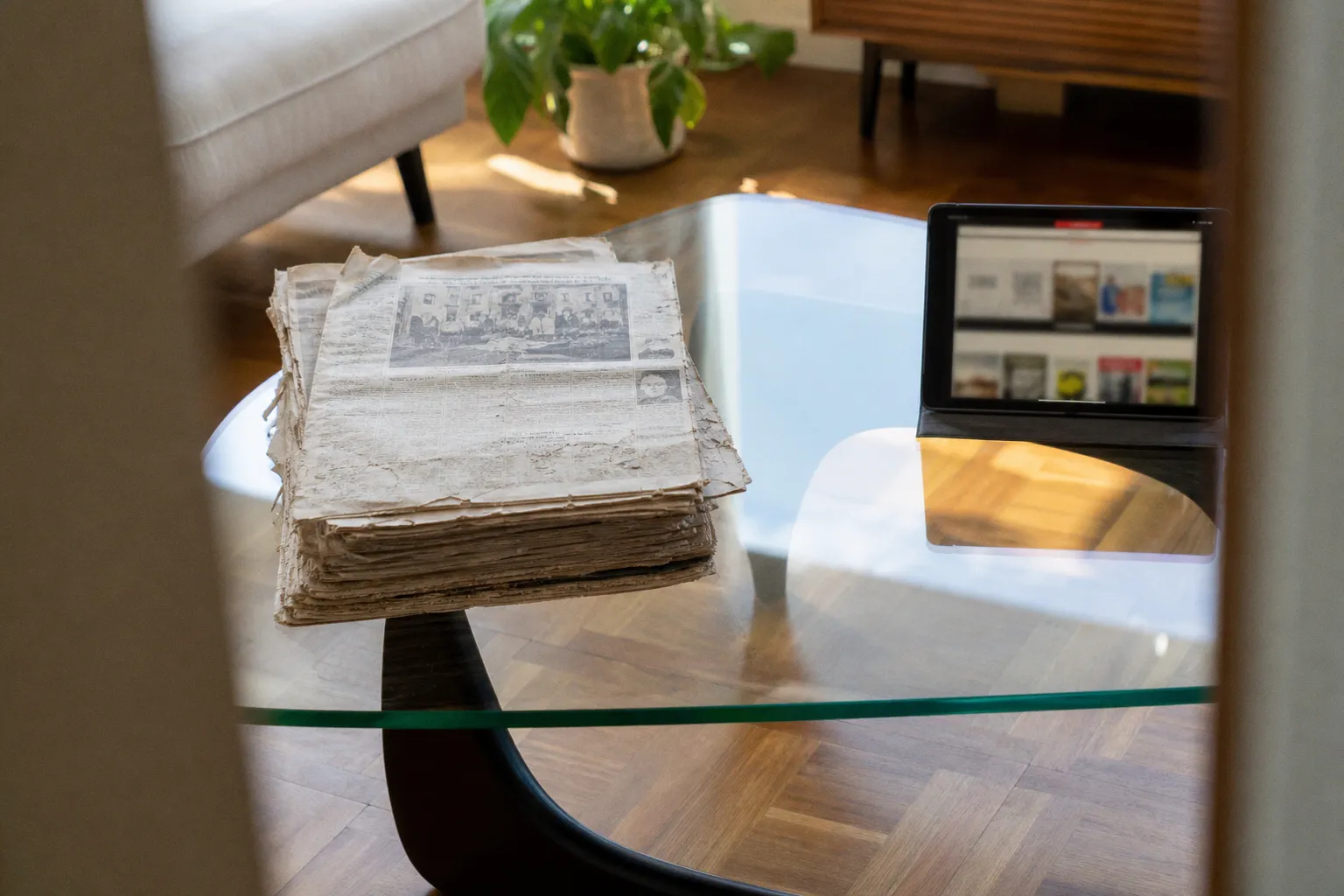
It is an authenticated distribution channel: a public library portal, a university database, an official trial, or a publisher’s own article allowance.
The distinction is operational. A legitimate platform receives publication files or licensed article feeds. An unofficial site usually reproduces pages without authorization, strips attribution, breaks layout rendering, or attempts to defeat a paywall. One is a stable access method. The other is a failure point disguised as convenience.
For current editions, public-library access is usually the highest-yield option. For searchable reporting and deep archives, academic databases are more efficient. For a single outlet, the publisher’s own free allowance can be enough. These services do not behave identically, and selecting the wrong one produces predictable problems: missing regional editions, expired access sessions, image-heavy PDFs on unsuitable screens, or search results that expose only article text rather than the original newspaper page.
Free access is legitimate when the publisher, library, or database provider has issued the reading entitlement. The presence of a PDF alone proves nothing.
Library portals are the primary route to premium current newspapers
A library card is often the most effective credential for free digital newspaper access. Public libraries license access to commercial newspaper platforms, then authenticate eligible cardholders through their websites, dedicated apps, or a temporary publisher pass.
This arrangement matters because the library is not “bypassing” a subscription. It is paying for a defined institutional license. The reader is therefore accessing the publication through an authorized channel, subject to the library’s geographic eligibility rules and usage limits.
Large library systems may provide remote access to outlets that otherwise have hard paywalls, including titles such as The New York Times, The Wall Street Journal, and The Washington Post. The exact catalogue varies by system. A metropolitan library may supply several premium titles and databases; a smaller district library may offer only PressReader, Libby, or a regional newspaper archive.
The correct first step is not to install a generic reading app. It is to inspect the library’s “Digital Resources,” “Online Databases,” “eMedia,” or “Newspapers” directory. That directory identifies which service is licensed and, more importantly, which authentication method is required.
Three access patterns are common:
1. Direct library-card sign-in.
The reader enters a card number and PIN within the service or through a library-branded authentication page. PressReader access frequently uses this model.
2. Library portal handoff.
The publisher requires the reader to start from the library’s database page. A temporary access pass is then issued. This is common for premium newspaper sites that limit institutional sessions to a defined period.
3. On-site or network-based access.
Some archives and databases authenticate through the library’s Wi-Fi network or a library workstation. Remote availability should not be assumed merely because a library lists the resource.
The failure mode is simple: users create a standard consumer account first, then attempt to attach a library entitlement later. That may produce an account state with the wrong subscription tier. Start from the library portal unless the library explicitly says otherwise.
What a library card does—and does not—unlock
Library access is not a universal subscription replacement. It can provide excellent breadth but often has constraints:
- The edition may be a replica edition rather than the publisher’s live website.
- Access may reset after a period ranging from a day to several weeks, requiring a new library activation.
- Crossword, comments, newsletters, and subscriber-only mobile features may be excluded.
- The service may include national editions but not every local or late city edition.
- Publisher apps can reject access that works correctly in a browser because institutional authentication is browser-based.
For readers following financial news, this difference has practical consequences. A replica edition preserves print layout and tables; a publisher website usually updates faster through the day. Researching markets also requires separating news access from brokerage execution. Reading a guide on whether an online brokerage account for stocks is worth it is a separate task from obtaining licensed journalism; neither function replaces the other.
PressReader and Libby solve different access problems
PressReader and Libby are frequently grouped together because both are supplied through libraries. Their content architecture is materially different.
PressReader is designed around publication replicas. It provides access to more than 7,000 newspapers and magazines, with catalogues commonly described as exceeding 8,000 titles from more than 120 countries. Its core advantage is the edition-level experience: front page, section structure, advertisements, photographs, supplements, and local print hierarchy remain visible.
Libby, operated by OverDrive, is better known for ebook lending but also delivers digital magazines and selected newspaper content through participating libraries. In many library configurations, magazine reading does not involve the waitlists associated with popular ebooks. The offering remains library-specific, however. The same Libby app can show substantially different catalogues for two cardholders enrolled with different systems.
| Parameter | PressReader | Libby |
|---|---|---|
| Primary format | Full newspaper or magazine replica | Digital magazines and selected periodicals |
| Reading model | Browse by title, country, language, and issue date | Borrow or open titles through a library collection |
| Best use case | Current international and regional print editions | Magazine reading and library-managed periodical access |
| Layout fidelity | High; original page composition is retained | Depends on the supplied publication format |
| Search behavior | Publication and issue browsing; article search varies by title | Library-catalog discovery and in-publication reading |
| Main limitation | Availability depends on library licensing and region | Newspaper selection can be narrower than magazine selection |
The decisive question is not which app has the cleaner interface. It is whether the required title is supplied in the required format.
A reader looking for the front page of a regional daily, including classifieds, sport pullouts, and print-only local notices, should start with PressReader or a dedicated regional e-paper. A reader looking for a monthly magazine feature, particularly on a small e-ink display, may find Libby’s format more practical.
Replica pages versus reflowed articles
This is where hardware analysis becomes relevant. Newspaper replicas are not equivalent to responsive news websites.
A broadsheet page rendered at full scale contains small body text, narrow columns, market tables, captions, and high-density photographs. On a 6-inch e-ink device, the page is readable only after zooming or using article view. Zooming exposes the limitations of e-paper navigation: full-screen refreshes, rendering latency, and the need to pan across a static page. On older Carta panels, rapid pinch zooming can leave temporary ghosting in grey backgrounds and fine rule lines.
For replica reading, screen size is not a cosmetic specification.
- 6 to 7 inches: suitable for extracted article text and short magazine pieces. Full newspaper pages are too dense for sustained use.
- 7.8 to 8 inches: workable for tabloid-format pages after crop or zoom. Market pages and classified layouts remain inefficient.
- 10.3 inches: the practical minimum for reading a broadsheet-like PDF or e-paper page near its intended scale.
- 13 inches and above: closest to print-page usability, particularly for financial tables, supplements, and double-page spreads.
Frontlight uniformity also matters more than it does for novels. Replica pages contain large white fields. Uneven frontlighting is visible across margins and can make faint grey text appear inconsistent. A warm frontlight may improve evening comfort, but it does not improve the legibility of a low-resolution raster scan. Display resolution, PDF rasterization quality, and crop behavior determine that result.
A platform can be legitimate and still be poorly matched to the device. A 10-inch e-ink reader improves page fidelity; it does not repair a badly scanned archive PDF.
A controlled way to test a library newspaper app
Before treating any service as a daily reading solution, test it with one issue that contains a dense page: business listings, a sports results grid, or a long local-news section. Test the same page in the intended device and app.
Measure these operational points:
1. Authentication persistence. Sign out, close the app, and reopen it. Determine whether the library login remains active or whether a portal visit is required again.
2. Issue availability. Check whether the current edition arrives at a predictable time and whether previous issues remain available.
3. Edition specificity. Confirm the city or regional edition. A national title can have materially different local inserts.
4. Download behavior. Determine whether an issue can be stored for offline reading and whether downloaded files expire.
5. Text extraction. Open a long article in article mode, if provided. Compare its typography and navigation with the original page.
6. Rendering latency. On e-ink hardware, turn several pages quickly and zoom into a photograph with caption text. Delays and ghosting become obvious under this load.
This is not excessive testing. It identifies whether the service is suitable for occasional clipping, archive research, or daily reading.
Academic databases are better for retrieval than for replica reading
Library e-paper services are optimized for browsing editions. Academic databases are optimized for finding reporting.
ProQuest and Factiva are common examples of services offered through universities and some public libraries. They can provide full-text access to historical and current articles across many publications. Their value is not visual fidelity. It is indexing: publication name, date range, author, subject term, and full-text search can be used to retrieve a specific article without manually opening months of issues.
For research tasks, that is a substantial efficiency gain. Searching for coverage of a municipal planning dispute, a company acquisition, or a regional election is faster in a database than in a page-image archive. Database text is also more usable on smaller screens because it is typically rendered as reflowable text rather than a fixed newspaper page.
The trade-off is obvious once the interface is opened:
| Requirement | Library e-paper platform | Academic news database |
|---|---|---|
| Read today’s paper as designed | Strong | Usually weak |
| Search across many years | Limited to service retention | Strong |
| Preserve photographs, ads, and page placement | Strong | Often absent |
| Locate a known article quickly | Moderate | Strong |
| Use on a small e-ink screen | Variable | Usually better |
| Reconstruct the original print context | Strong | Limited |
A database record may omit the page’s visual hierarchy, pull quotes, advertisement adjacency, correction box, or local edition label. Those details can matter. For citation, media analysis, or historical context, an article transcript is not always a substitute for the original page.
Historical archives should be treated as a separate category again. The British Newspaper Archive, for example, includes more than one million historical newspaper pages made available for free viewing through British Library digitization work. Such archives are valuable for primary-source research, but their scans often impose the heaviest display load: uneven contrast, aged paper texture, skewed columns, and imperfect OCR.
OCR errors should be expected in historical newspapers. Hyphenated words, ornate headlines, damaged print, and narrow columns reduce text-recognition accuracy. Search results are therefore an entry point, not proof that every relevant occurrence has been found.
Publisher allowances are narrow but often sufficient
Many publishers retain a limited number of free article views each month. Others offer introductory trials or selected free newsletters. This model is legitimate because access is explicitly granted by the publisher, but it is not equivalent to open access.
A five-article monthly allowance, such as the one used by some publications including The New Yorker, can be adequate for readers who follow occasional reporting rather than a full daily news cycle. It is unsuitable for intensive research, breaking-news monitoring, or archival reading.
The correct use of a publisher allowance is selective:
- Open articles only after confirming that the outlet’s reporting is needed rather than syndicated elsewhere.
- Use the free views for long-form reporting, investigations, or specialist coverage with low duplication.
- Subscribe to official newsletters when they provide enough of the publication’s reporting in email form.
- Track the reset date if the publication displays it; do not assume that unused views carry forward.
- Use library access for high-volume reading rather than repeatedly cycling through trials.
Trials deserve similar treatment. They are useful for evaluating editorial coverage, app stability, archive depth, and edition availability. They are not a durable free-access method. A trial that requires payment credentials should be managed as a subscription event, with the renewal date recorded before activation.
This is particularly relevant for readers trying to compare a publisher’s site with a library version. The publisher subscription commonly has the lower rendering latency for live updates, richer search, and access to newsletters or audio. The library edition may have better page fidelity and zero direct cost. The useful comparison is not “paid versus free.” It is “which access tier exposes the reporting and format actually required?”
Why unofficial paywall tools are a poor access strategy
Sites and browser extensions that claim to remove paywalls are not legitimate free newspaper websites merely because they display an article. Their operating method may involve unauthorized copying, cached content of uncertain provenance, script manipulation, or attempts to defeat access controls.
The practical problems are as serious as the legal and ethical ones.
First, the article may be incomplete. Dynamic graphics, corrections, tables, captions, and updates often fail to load. Second, attribution and publication metadata may be altered or missing. Third, the source can disappear without notice, taking bookmarks and saved material with it. Fourth, extensions with broad permissions can inspect browser activity across unrelated pages. That is an unacceptable trade for a news-reading convenience.
There is also a reproducibility problem. An article retrieved through an unauthorized mirror cannot be reliably cited, archived, or revisited. The URL may change, the text may be stale, and the original publisher’s correction history will be absent.
Paywalls are not a rendering defect to be fixed with a browser add-on. They are an access-control and revenue mechanism. If an outlet is not available through a library, university, free allowance, or direct subscription, the correct conclusion is that free licensed access is not currently available through the reader’s eligible institutions.
The selection sequence that produces the best result
Readers searching for where to read newspapers online for free should use a fixed sequence rather than testing random apps.
Start with the publication. Determine whether the need is for a current replica edition, a single current article, a searchable historical record, or a local paper. Then match that need to the platform class.
- Current print edition, especially international or regional: check PressReader through a public library.
- Magazines and library-managed digital reading: check Libby, then inspect the local catalogue rather than assuming a title is included.
- Premium national reporting: inspect library databases and publisher passes for the specific outlet.
- Research across dates and publications: use ProQuest, Factiva, or an equivalent academic database.
- Historical page images: use national library and newspaper archive collections.
- Occasional reading from one publisher: use its official allowance, newsletters, or trial.
The process is deliberately unglamorous because it is reliable. A library card resolves the access question. The device then resolves the rendering question. A suitable platform is one that satisfies both.
The definitive result is straightforward: PressReader is the strongest general option for legally reading full newspaper editions without a direct subscription, provided a participating library supplies access. Libby is useful but should be assessed title by title. Academic databases outperform both for article retrieval and historical search. Publisher allowances fill narrow gaps. Unofficial paywall workarounds should be excluded from the comparison entirely: they are neither stable platforms nor legitimate access methods.