Free online newspaper archives: a pre-search checklist
You've been hunting for a specific article — a mention of a relative in the local paper from 1952, a front-page report on a weather event, the original review of a film your family still argues about — and the search keeps dissolving into dead ends.
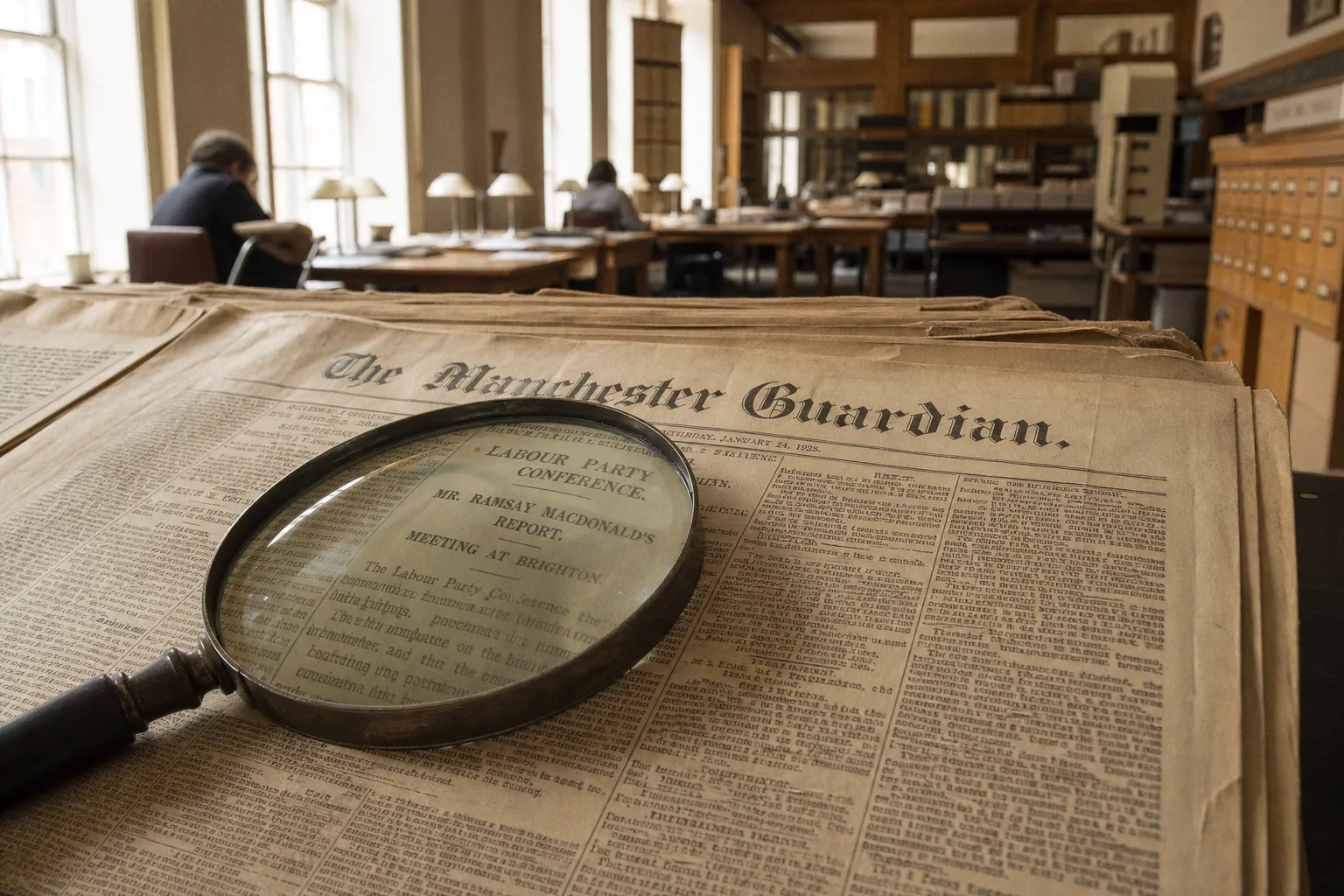
Here is the truthful version of the situation. A meaningful slice of historical newspapers is genuinely free to read online, but only if you know which repositories house which decades — and only if you're willing to match your search to the right database before you start typing names and dates into the wrong text box. Use this checklist as a pre-search filter, so your query lands in a collection that actually contains what you're looking for.
First, decide what era you actually need
Before you sign up for anything or even open a new tab, pin down the timeframe. That single decision will determine which repositories are worth your time and which are guaranteed to waste it.
Historical newspaper coverage falls into rough bands, and each band has its own dominant free-access channels:
| Era you're searching | Best free starting point | What you'll likely find |
|---|---|---|
| U.S., 1770–1963 | Library of Congress Chronicling America | Public-domain American papers, fully searchable full text |
| International, any era | Internet Archive Newspaper Collection | Mixed-quality scans, millions of pages, browsable by city and title |
| UK and Ireland, 1700s–1950s | British Newspaper Archive (partial free access) | Many titles gated, but search indexes are free; library cardholders often unlock full view |
| Any era, behind paywalls | Your local public library's database portal | ProQuest, NewsBank, Gale, and more — free with a library card |
| Generic web search | Google News Archive (static since 2011) | Sparse, hard to navigate, but still cached for some titles |
If your target falls in the gray zone — roughly 1964 through the early 1990s — treat it as a separate problem. That window is when most U.S. papers exited public domain but before they began fully digitizing current runs, leaving researchers in an awkward middle ground I cover in detail below.
Navigating Chronicling America and government repositories
Chronicling America, hosted by the Library of Congress, is the closest thing the United States has to a free, authoritative national newspaper archive. Its coverage window — publications roughly from 1770 through 1963 — is dictated entirely by copyright status. Those issues are in the public domain, which is why a federal project is free to scan and serve them at no cost to you. The collection now runs into the millions of pages drawn from state-level partners across the country, and the search interface lets you both browse by state and year and run full-text searches against the OCR'd content.
Start there before you do anything else if your search falls squarely inside that window. Two practical tips:
- Use the advanced search to filter by state and date range, not just keywords. A common surname like "Smith" without a state filter returns thousands of false positives from across the country.
- If the paper you need isn't on Chronicling America, look it up in the Library of Congress main catalog. The bibliographic record often points to a partner archive that has scanned the same run, sometimes more thoroughly.
If your date falls before 1964 and your paper was published in the United States, Chronicling America is almost always the highest-quality free answer — full text, full image, fully searchable, no login required.
A few state libraries and historical societies run their own free portals under similar cooperative agreements — essentially the same content mirrored through a local interface. If you find a particularly helpful state portal (California, Virginia, Pennsylvania, and a handful of others), bookmark it. Their newspaper-finding tools often surface nearby titles that didn't make it into the federal index.
Leveraging the Internet Archive for microfilm and scanned issues
The Internet Archive is the second giant in this space and, by raw volume, probably the largest. Its Newspaper Collection holds millions of scanned pages — pulled from microfilm, donations, and partner libraries — and the site adds new titles every month. Coverage is international in a way Chronicling America is not, which makes this the better first stop if you're hunting for non-U.S. press or for runs that fall outside the Library of Congress's window.
The trade-off is usability. The Internet Archive's search interface is built for general web archiving, not journalism-specific browsing, which means newspaper searches often get tangled with archived web pages, radio broadcasts, and software from the same era. To find what you actually want:
1. Go to the Internet Archive and search "newspaper collection" — or jump directly to the Newspaper Collection page.
2. Use the "Collection" filter on the left sidebar to narrow down to newspaper-specific holdings. Skip this and you'll fight through a polluted result set.
3. When you find a specific title, prefer browsing by date and issue rather than running a broad full-text search. OCR quality varies dramatically between papers and decades, and so does success with keyword matching.
4. Save the URL once you land on a useful issue. Internet Archive items rarely disappear, but their identifiers change when the site reorganizes its collections.
Beyond the main newspaper collection, look at the "Community Texts" and "Microfilm" sections. Library digitization drives often upload scanned runs there before they get formally cataloged, so a paper that's missing from the Newspaper Collection might still be findable via a direct microfilm upload. Treat these as a secondary free path once you've exhausted the main index.
Unlocking premium databases through your public library
Here is the cheapest, most consistently overlooked resource in this entire field: your public library card. Most major library systems — and many regional ones — pay annual subscription fees to commercial newspaper databases on behalf of their patrons. The institution then hands out free remote access to anyone with a valid card number, which means you can read the same ProQuest Historical Newspapers, NewsBank, Gale Primary Sources, or Readex collections that genealogists pay hundreds of dollars a year for. The total cost to you is whatever local tax funds maintain your library.
Practical steps to actually use this:
- Visit your library's website and look for a "Research" or "Databases" link. Don't search the library catalog directly for newspaper titles — newspaper databases are licensed and won't show up as catalog records.
- Sign in with your library card number and PIN. Many systems require this even for in-library visits, so have those credentials ready.
- Once you're authenticated, the library's database portal acts as your gateway. From there, you can search ProQuest, NewsBank, and other providers across multiple titles and decades.
- If you're not a local resident, look into non-resident library cards. Some states explicitly grant any in-state resident a free borrowing card through a public-library consortium. Out-of-state patrons can often pay a small annual fee for the same access — typically far less than a direct database subscription.
Two important caveats. First, libraries license specific newspaper titles in specific date ranges, and your local system may have access to The New York Times from 1851 but not to your hometown paper from 1985. Check the title list before assuming your paper is covered. Second, remote access policies vary. Some libraries lock everything down to in-building use; others let you log in from anywhere in the world. If you're traveling or live abroad, that distinction matters more than the size of the subscription itself.
Free access to expensive newspaper databases is sitting behind your library card login. Most readers never check whether their library carries these subscriptions, and end up paying out of pocket for something their taxes already cover.
Strategies for searching static repositories like Google News
Google News Archive deserves its own section because it occupies a strange middle ground: technically still online, technically still indexed, and — as of 2011 — no longer actively developed. Google ceased maintaining the dedicated search interface that year, which means results are now increasingly hard to surface through normal web search. The underlying scans themselves haven't vanished, however, and for some older titles the only freely accessible full-image scans online still flow through Google's hosting.
To make this still work today:
- Search directly on Google with the
site:news.google.com/newspapersoperator, often combined with the title in quotation marks and the year. This trick still surfaces the original scanned-page viewer for titles that were indexed years ago. - If the news.google.com viewer redirects or fails to load, look for the same content mirrored on the Internet Archive or in a partner repository. The scan itself rarely disappears; the entry point does.
- Don't expect the broader Google News product to surface historical papers in normal news search. It's a current-events engine and has been for years.
- For international titles, Google's static archive thins out dramatically outside the United States. The British Newspaper Archive, the Internet Archive, and national libraries will usually beat Google for non-U.S. historical titles.
A related static resource worth knowing: commercial newspaper websites themselves often keep their own back-issue archive behind a soft paywall (a handful of free articles per month, then a registration wall). If you're chasing exactly one article, sometimes the fastest path is finding that single article cached on Google rather than subscribing to a full database.
Copyright, the gray zone, and what you realistically cannot get free
The hardest, most honest part of this topic is acknowledging that not everything you want is available free, and pretending otherwise wastes your time. Roughly speaking, U.S. newspaper content published after 1963 remains under copyright, defaulting to the newspaper or its corporate successors rather than falling into the public domain. That single fact shapes what's realistically free and what isn't:
- Papers from 1964 through roughly the late 1980s and early 1990s sit in a copyright gray zone. They are technically still owned by someone — often a company that has merged, dissolved, or been acquired multiple times. They are also rarely fully digitized, because the rights chain is too tangled for a clean government-funded scan.
- Papers from the 1990s onward tend to be available only through commercial databases, current-publisher archives, or paid retrieval services. Free access is the exception, not the rule.
- Microfilm exists for many of these mid-century papers, but reading it traditionally required physical travel to a library that holds the film, plus a microfilm reader. That is changing as libraries finish their digitization projects, but free practical access still depends on your local library's progress.
If you're searching the gray zone specifically, your realistic free options narrow to:
1. Local historical societies and university special collections, which often hold scanned runs of regional papers and grant free on-site access to researchers.
2. The Internet Archive's Newspaper Collection, which is increasingly ingesting post-1963 content as rights get clarified or as papers release their back files.
3. Direct outreach to current publishers. Many will sell you a high-resolution scan of an older article for a small fee, or grant access for a specific academic or genealogical project. This is cheaper than a subscription and faster than chasing an unclear rights claim.
Pretending the entire historical record is sitting somewhere free and indexed would be a disservice. The reality is more nuanced: the public-domain era — pre-1964 U.S. press — is essentially fully covered at no cost, and everything beyond that requires a more strategic approach, usually involving a library card, a one-time payment, or a phone call.
Putting it together: a quick access map for different readers
Different readers need different channels, so here is a compressed guide based on what you're actually trying to do.
- Genealogy hunters with a known date range before 1964: Chronicling America first, then your library's ProQuest Historical Newspapers, then the Internet Archive as a backup.
- Genealogy hunters chasing post-1964 mentions: lead with your local library card and the State Archives of the relevant state. Many state-level projects cover post-1963 regional papers in ways federal programs cannot.
- Journalists and researchers verifying historical claims: Chronicling America for pre-1964 U.S. facts, Newspapers.com or a similar commercial archive for post-1964 (cost-effective for one-off searches via day passes), and your library for any era covered by a commercial database.
- Casual readers chasing a single article from a specific paper: try the original publisher's archive first, then Google with the
site:news.google.com/newspapersoperator, then the Internet Archive. - Readers outside the United States: skip Chronicling America unless the paper itself was an American title. Start with the British Newspaper Archive for UK papers, the Internet Archive for international titles, and your own national library's digital collections for home-country coverage.
The core principle is simple. Match the era and the country of publication to the correct repository before you run any searches. A focused query in a small, well-curated database will return better results in five minutes than an unfocused query scattered across every free archive will return in five hours. The free options are real and they are comprehensive for substantial chunks of history — but only if you start in the right place.