Newspaper archives online: data and access verification list
You've found the perfect title, the date lines up, and you're certain the story ran — but the scan isn't there.
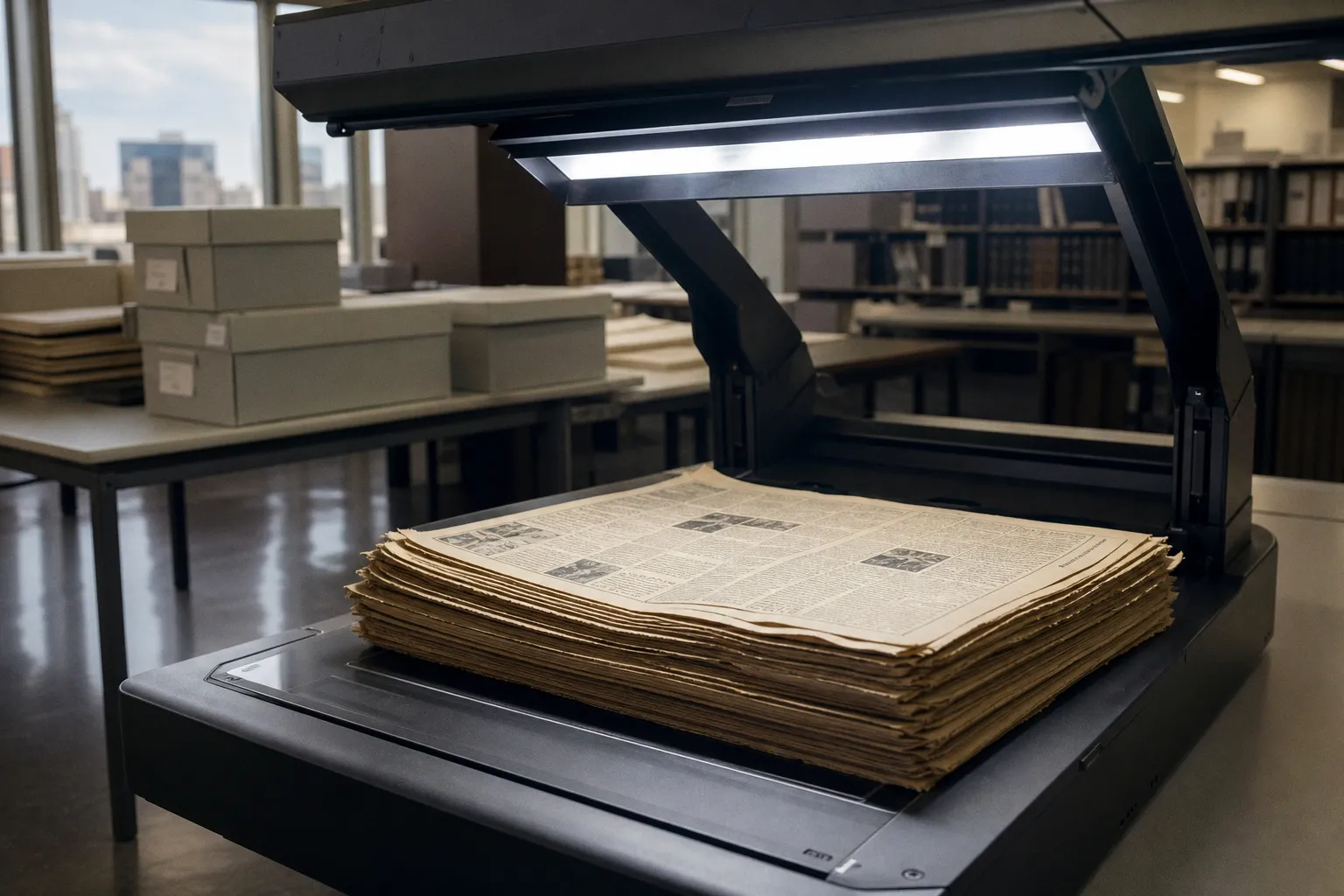
The directory entry promises coverage, the archive boasts millions of pages, and yet the specific issue you need is missing, locked behind a paywall, or available only as a citation with no link to a readable image. That gap between "the archive says it has it" and "you can actually read it" is the most common frustration researchers, genealogists, and curious readers hit when working with newspaper archives online.
Before you sink an afternoon into a dead end, run through this verification list. It walks you through the five things that determine whether an archive will actually deliver the page you need: scope, source type, scan quality, access rights, and coverage gaps. None of these require deep technical knowledge — just a clear-eyed checklist and a few minutes of due diligence.
What "millions of pages" really means
Archive-wide page counts make headlines, but they almost never describe what's available for any single title or date. Chronicling America, for example, advertises more than 16 million word-searchable historic newspaper pages covering 1777 through 1963 across 48 states, the District of Columbia, Puerto Rico, and the U.S. Virgin Islands. That sounds comprehensive until you search for a specific small-town weekly from 1894 and discover it isn't there at all.
That's because Chronicling America is a selective digitization project, not a complete record of American journalism. The Library of Congress runs it through the National Digital Newspaper Program (NDNP), which picks titles based on research value, geographic and chronological gaps, and — crucially — whether the source microfilm can produce satisfactory digital images. A county paper from a region with no participating state partner may never make the cut.
An archive's headline page count describes what was digitized, not what exists in print or what you'll be able to read.
So when you see a big number attached to an archive, treat it as a marketing fact, not a coverage guarantee. The figure tells you the project's scale, not whether your specific issue is included.
Bibliographic directories vs. full-text databases
One of the fastest ways to burn an hour is to confuse a bibliographic directory with a full-text database. They look similar — both list newspaper titles, dates, and locations — but they do very different things.
The Directory of U.S. Newspapers in American Libraries, run by the Library of Congress, is a bibliographic index covering U.S. newspapers in all formats from 1690 to the present. It contains roughly 140,000 bibliographic descriptions and 600,000 library-holdings records. Its job is to help you identify a title, find out which libraries hold it, and — only when available — point to digitized content.
A record in this directory does not mean a free online scan exists. It means a library somewhere has the paper, and someone has catalogued it. The same caution applies to any aggregator that mixes holdings information with image links: presence in the index is not proof of remote access.
Here's how the three main source types differ:
| Source type | What it gives you | What it doesn't guarantee |
|---|---|---|
| Bibliographic directory (U.S. Newspaper Directory) | Title, date range, library holdings, occasional scan links | Free online access, complete run, viewable image |
| Full-text database (ProQuest Historical Newspapers, Newspapers.com Library Edition) | Page images, OCR text, article-level navigation | Full coverage of every issue, remote access outside a subscribing institution |
| Selective digitization project (Chronicling America) | Word-searchable pages for a curated set of titles | Every U.S. newspaper, every issue, anything post-1963 |
Knowing which type you're in changes what you should expect. In a directory, you're hunting for a library. In a full-text database, you're hunting for a subscription or institutional login. In a selective project, you're hunting for a title that happens to fall inside someone's selection criteria.
Why microfilm quality dictates what you can read
If you've ever run a search on a historical newspaper database and gotten gibberish in the OCR box — or no results at all from a clearly visible headline — you've hit a microfilm-quality problem. The text you're searching was generated by automated character recognition, and that recognition depends heavily on the condition of the original source.
The NDNP's 2023 technical guidelines specify scanning from a preservation microfilm copy at the maximum feasible resolution between 300 and 400 dpi, in 8-bit grayscale, uncompressed TIFF 6.0. The same document notes that page skew above 3 degrees reduces OCR accuracy, so image correction is built into the workflow.
This matters because not every microfilm reel was shot under ideal conditions. A reel from the 1960s of a small-town paper, shot from a deteriorating print master, may produce blurry, high-contrast images that OCR engines struggle with. The Library of Congress itself warns that not every historical newspaper has been digitized, and that verifying digitization may require consulting several sources — partly because the source microfilm couldn't produce satisfactory results.
When an archive says its text is "searchable," that search is only as good as the OCR behind it, and OCR is only as good as the microfilm it was scanned from.
The practical takeaway: if your search returns nothing, try alternate spellings, broader date ranges, or a different database. The article may be there — the OCR may just not have read it correctly. And if you're working from microfilm yourself, your local library or state archive may offer higher-quality scans than what you'll find online.
Access rights: what you can do with what you find
Even when a page image exists and the OCR is solid, you may not be able to do what you want with it. Access rights vary wildly across archives, and they often catch casual users off guard.
Consider the British Library's electronic legal-deposit collection. According to the Library's April 2026 update, pre-October 2023 electronic legal-deposit content can be searched in the catalogue remotely but can only be viewed on Library PCs in the Reading Rooms. Downloading, emailing, copying and pasting, screenshots, photographs, and use of memory sticks are all prohibited. If you're a remote researcher, that's a non-starter unless you're willing to travel.
Commercial databases add another layer. ProQuest Historical Newspapers: U.S. Collection advertises more than 130 image-based local newspaper titles across 36 states, with coverage described as 1785 to the present, presented in original page-by-page form. Newspapers.com Library Edition, available through subscribing libraries, claims 4,000+ historical newspapers from the early 1700s into the 2000s. Both require either a paid subscription or institutional access — typically via your public library card, university login, or research library membership.
The cost-effective route for most readers is institutional login. Many public libraries, university libraries, and even some corporate libraries subscribe to these databases and provide remote access to cardholders. Check your local library's digital resources page before paying out of pocket; you may already have access through a bundle you didn't know about.
A quick reference for the main access patterns you'll encounter:
- Free, public, no login: Chronicling America, plus many state and university digital collections
- Institutional login required: ProQuest Historical Newspapers, Newspapers.com Library Edition, Gale Primary Sources, most academic databases
- On-site only, no remote access: British Library electronic legal-deposit content, certain national libraries, some university special collections
- Pay-per-view or subscription: Ancestry.com newspaper collections, individual newspaper digital replicas
The verification checklist before you search
Before you commit to a search session, spend five minutes running through this list. It'll save you the disappointment of a dead-end and help you pivot to the right resource faster.
1. Confirm the title and date range. Use the Directory of U.S. Newspapers in American Libraries or your national equivalent to verify the paper existed under the name you're searching and during the period you need. Titles change, merge, and cease — and old spellings won't match modern OCR.
2. Identify the source type. Decide whether you're in a directory (look up a library), a selective project (check the title list), or a full-text database (start searching). Each demands a different next step.
3. Check for institutional access. Before paying for a subscription, log in through your public library, university, or workplace. Many databases bundle access through institutions you already belong to.
4. Read the access-rights statement. Look for restrictions on downloading, printing, remote viewing, and on-site-only requirements. These rules are often buried in help pages but they determine what you can actually do with the page.
5. Test the OCR with a known phrase. If the database claims full-text search, run a query for a word or name you already know appears in the issue. If you get zero results, OCR quality may be the issue, not the missing page.
6. Check for known gaps. Some archives publish title-level coverage notes — dates of missing issues, known digitization holes, or microfilm replacement projects. A two-minute scan of these notes can save an hour of fruitless searching.
7. Have a backup resource in mind. If your primary archive doesn't deliver, know your secondary option. Pairing Chronicling America with a state historical society collection, or ProQuest with a regional university library, often fills gaps the others leave.
The same verification logic applies across research domains, not just newspapers. Whether you're checking the scope of an economic dataset or the coverage of a historical archive, the rule holds: confirm what the resource actually contains before assuming it has what you need. For example, the Q1 2026 release on Euro Area households and non-financial corporations is a useful reminder that even authoritative data portals publish headline figures whose underlying coverage and access rules deserve a second look.
Putting it together: the cost-effective path by reader type
Different readers need different starting points, and the right resource depends less on the archive's prestige and more on how you plan to use what you find.
- Casual readers and hobbyists: Start with Chronicling America for U.S. history pre-1963. It's free, public, and word-searchable. For anything later or international, check whether your public library offers Newspapers.com Library Edition or similar access through your library card.
- Genealogists: Combine Chronicling America with Ancestry.com's newspaper collections (subscription required) and your state historical society's digital holdings. Many states have free digitized runs for their own titles that neither national service covers.
- Academic researchers and students: Lean on your university library's subscriptions to ProQuest, Gale, and Readex. Most universities bundle access to multiple historical newspaper databases, and librarians can often pull scans that aren't in the public-facing catalogue.
- Journalists on deadline: Use Newspapers.com or your newsroom's archive access for quick turnaround. If a database search fails, pivot to a state digital newspaper collection or a phone call to a local historical society — many will pull scans on request.
- International readers: Start with your country's national library, which often has the most complete legal-deposit collection. For U.S. material, pair Chronicling America (free) with a ProQuest trial or a partner institution's guest access.
The archive that wins for you is the one that matches your access route, your tolerance for restrictions, and the title you actually need. Run the verification list before you search, and you'll spend less time hitting paywalls and more time reading the pages that matter.