Neu PDF Reader Update: Managing Digital Newspaper Archives on Android
According to Google Play, One2 Labs has issued a major Android update for Neu PDF Reader – eBooks & EPUB.
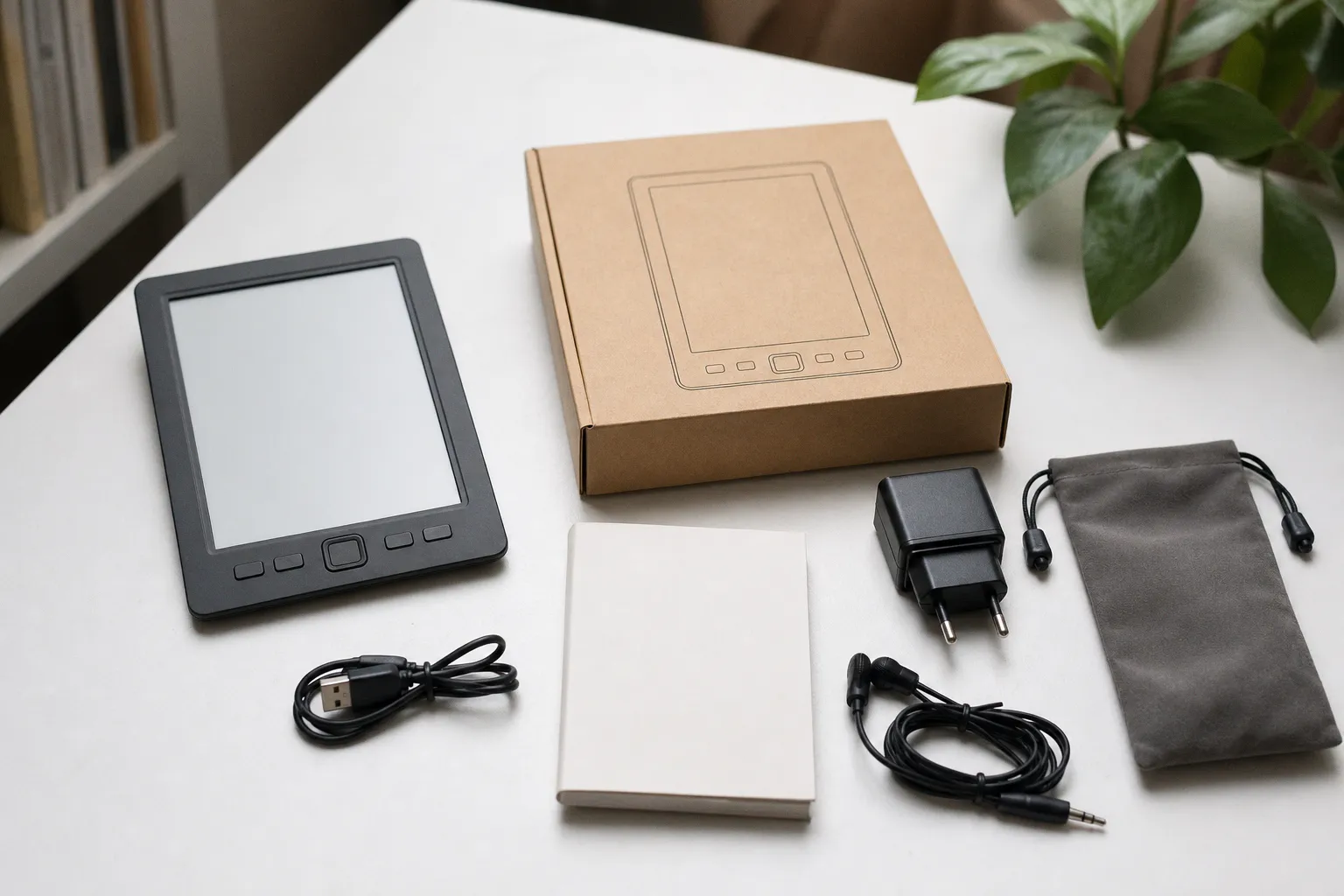
The listed changes are concentrated in the parts of a reader that determine whether a newspaper or document archive remains navigable over time: the library interface, shelf syncing, EPUB navigation, and Markdown chapter support.
For readers managing PDF newspaper editions alongside EPUB books, the update is relevant—but the changelog alone does not establish rendering quality, sync reliability, or the handling of large archive folders. Those points should be checked before moving an existing library into the revised workflow.
Library and shelf changes need a controlled check
A redesigned library interface can alter how local files, recent reads, and grouped collections are exposed. That is useful only if existing PDFs remain consistently indexed and easy to distinguish from EPUB titles. Newspaper readers should begin with a small test set containing files with similar names, multiple editions of the same publication, and long filenames.
The stated improvement to shelf syncing is the more consequential item for multi-device reading. “Improved” does not specify what is synchronized: shelf structure, file metadata, reading position, annotations, or the files themselves. These are separate functions and should not be assumed to move together.
A practical test sequence is straightforward:
1. Place a limited number of non-critical PDFs and EPUBs in a shelf.
2. Confirm that the shelf survives an app restart.
3. If another device is used, verify which elements appear there and whether reading position is retained.
4. Check for duplicated entries or reordered editions after sync.
Do not use the first post-update session to reorganize a large periodical archive. An interface redesign can make prior sorting assumptions less visible even when the underlying files are unchanged.
EPUB navigation is separate from PDF performance
Google Play also lists improved EPUB navigation. This should be treated as an EPUB-specific change, not evidence of altered PDF rendering latency, zoom behavior, page-turn response, text sharpness, or image handling.
For a mixed reading library, test each format independently. Open an EPUB with a structured table of contents and move between chapters. Then open a scanned newspaper PDF, a text-based PDF, and a document with dense page layouts. The relevant questions differ: EPUB navigation depends on document structure, while PDF use depends more directly on page rendering and the clarity of the interface at different zoom levels.
Markdown chapter support expands the app’s declared document-navigation scope, but no details are provided on import behavior, formatting fidelity, or how Markdown content is stored in the library. Readers who keep notes or converted text files should therefore test copies rather than original working files.
Update verdict: verify the workflow, not the label
The update is materially aimed at library organization and navigation rather than at a stated overhaul of the PDF engine. That makes it potentially useful for readers whose primary friction is locating editions, arranging shelves, or moving through EPUB content.
The evidence currently supports no conclusion about PDF fidelity, annotation compatibility, offline access, or the exact scope of synchronization. Install the update if the revised library and shelf workflow addresses a known problem, but validate it on a small archive first. For a newspaper-reading setup, stable file identification and predictable shelf behavior remain the decisive benchmarks.