Did Amazon brick your Kindle? The pros and cons of switching to Kobo e-readers.
“Bricked” is the wrong baseline for most affected Kindle owners. The current reports are about Amazon ending support for 13 devices, including nine Kindle e-readers, not about every unit becoming an inert slab of E Ink.
Unsupported is not the same as unusable
According to Mashable, Amazon notified affected users on April 7 that support would be discontinued for 13 devices, including nine Kindle e-readers. The article frames the backlash around long-time Kindle users asking whether Kobo is now the safer platform.
The important distinction is operational. A Kindle or Kobo that no longer receives software updates may still boot, display books already stored on the device, and accept files when connected to a computer. The likely failure points are network services, store access, sync, and future compatibility—not the E Ink panel itself.
For newspaper and PDF readers, that changes the risk model. If your workflow is USB transfer of PDFs, archived editions, or sideloaded documents, an unsupported reader may remain serviceable. If your workflow depends on cloud delivery, account sync, storefront downloads, or an integrated reading app, support retirement matters much more.
The screen does not care whether a broadsheet replica PDF came from a current store pipeline or a folder on local storage. The software stack does.
Kobo fixes some Kindle constraints, not device aging
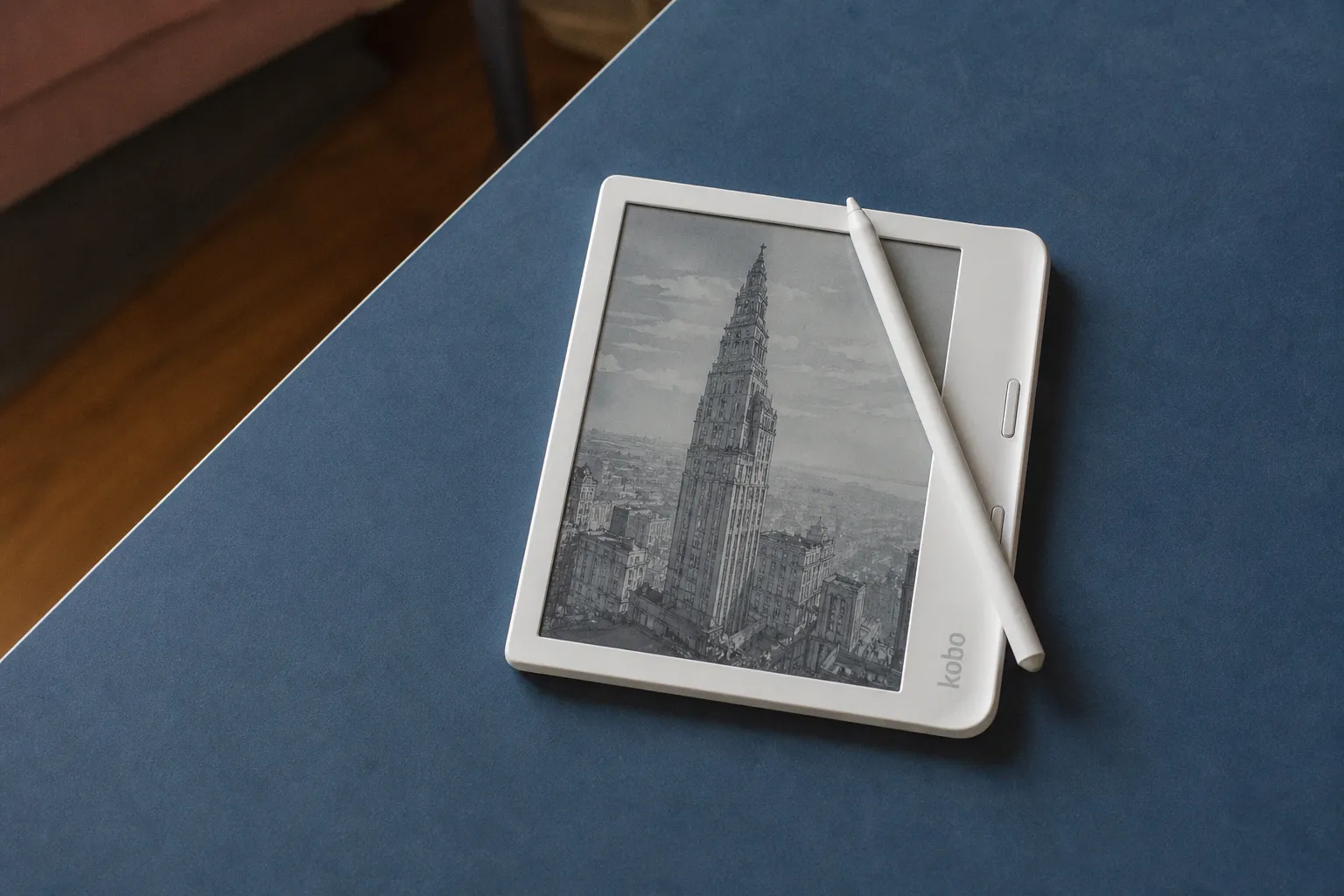
Kobo is being discussed as the obvious alternative because its current e-readers retain features Amazon has removed from some Kindle lines, including page-turn buttons on certain models. Mashable also points to Kobo’s Libby integration as a practical advantage.
Those are real platform differences. Buttons matter for long-form periodical reading because page turns are frequent and touch targets in scanned PDFs can be imprecise. Libby integration matters if your reading mix includes library borrowing rather than only purchased books.
But switching to Kobo does not remove the lifecycle problem. Mashable notes that Kobo also has a history of retiring devices and maintaining a list of products it no longer supports. Any e-reader dependent on periodic software updates has a finite support window.
The stronger reason to switch is therefore not “Kobo will never age out.” It is “Kobo better matches my current reading inputs.” If those inputs are library lending, sideloaded EPUBs, and PDF files managed outside Amazon’s store, Kobo may be a cleaner fit. If the core library is already inside Kindle’s commercial ecosystem, the calculation is less favorable.
The library lock-in is the hard boundary
The main migration penalty is DRM. Mashable states that books bought from the Kindle and Kobo stores use DRM tied to their respective platforms. In practical terms, a Kindle store library does not simply move to a Kobo reader.
That matters for anyone who has built a multi-year archive of purchased books or periodicals. You may still be able to revisit Kindle purchases through the Kindle app, but that is not the same as transferring the library to Kobo hardware. For digital newspapers, the risk depends on format. Plain PDFs you downloaded and stored yourself are portable. Store-bound content is not.
There is also a parallel jailbreak discussion. Android Police reports on a new Kindle jailbreak that it describes as easier than before and positioned as a way to “free” the device. Without confirmed technical details in the available report, that should be treated as a separate advanced-user path, not a general recommendation for newspaper readers who need predictable access and archiving.
The decision tree is simple. Keep an older Kindle if it still opens your local documents, accepts USB transfers, and displays PDFs at acceptable speed. Consider Kobo if you want hardware buttons, Libby integration, and a less Amazon-centered workflow. Do not switch solely because of support retirement fears: Kobo hardware is subject to the same end-of-support logic.